

150+ Improvements to User Experience in QuickBooks Online

In August, Intuit released a huge volume of product improvements to QuickBooks Online, based on feedback from QuickBooks ProAdvisors, Solution Providers, and accountants. “Your feedback continues to shape what we build, and we have worked to improve the everyday workflows you rely on most,” Intuit says.
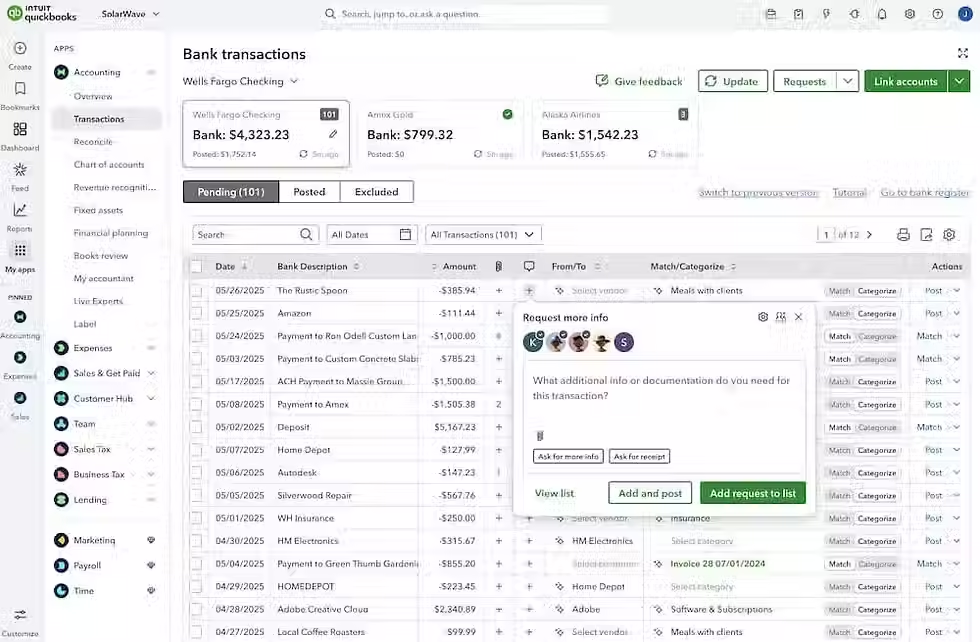
Altogether, the release includes 150+ enhancements spanning the QuickBooks functions that businesses use every day. Among the highlights are faster load times, smarter bank-feed matching, expanded KPI and management reporting tools, 50+ reporting improvements, and 100+ keyboard shortcuts (interestingly, we reported just last month that the QBO desktop app had better keyboard shortcut functionality). The common thread is making QuickBooks faster, easier to navigate, and more useful for understanding the health of your business.
There’s a lot to unpack—and not every feature Intuit is promoting is fully functional yet. Custom automations through Intuit Intelligence, for example, are still something we’re watching and testing rather than recommending as a dependable workflow today.
If you want a quick overview of what Intuit has released, watch the 8-minute video from QuickBooks below, which highlights the latest updates.

Comments